
Figma, Here I Come
I’m expanding my skills by diving into Figma. As a designer, I see more and more companies using it to collaborate across teams, and I want to stay ahead of the curve. Taking a class is helping me get hands-on experience so I can work smarter, faster, and more collaboratively. Learning never stops, and building my Figma skills is the next step in my growth as a designer.
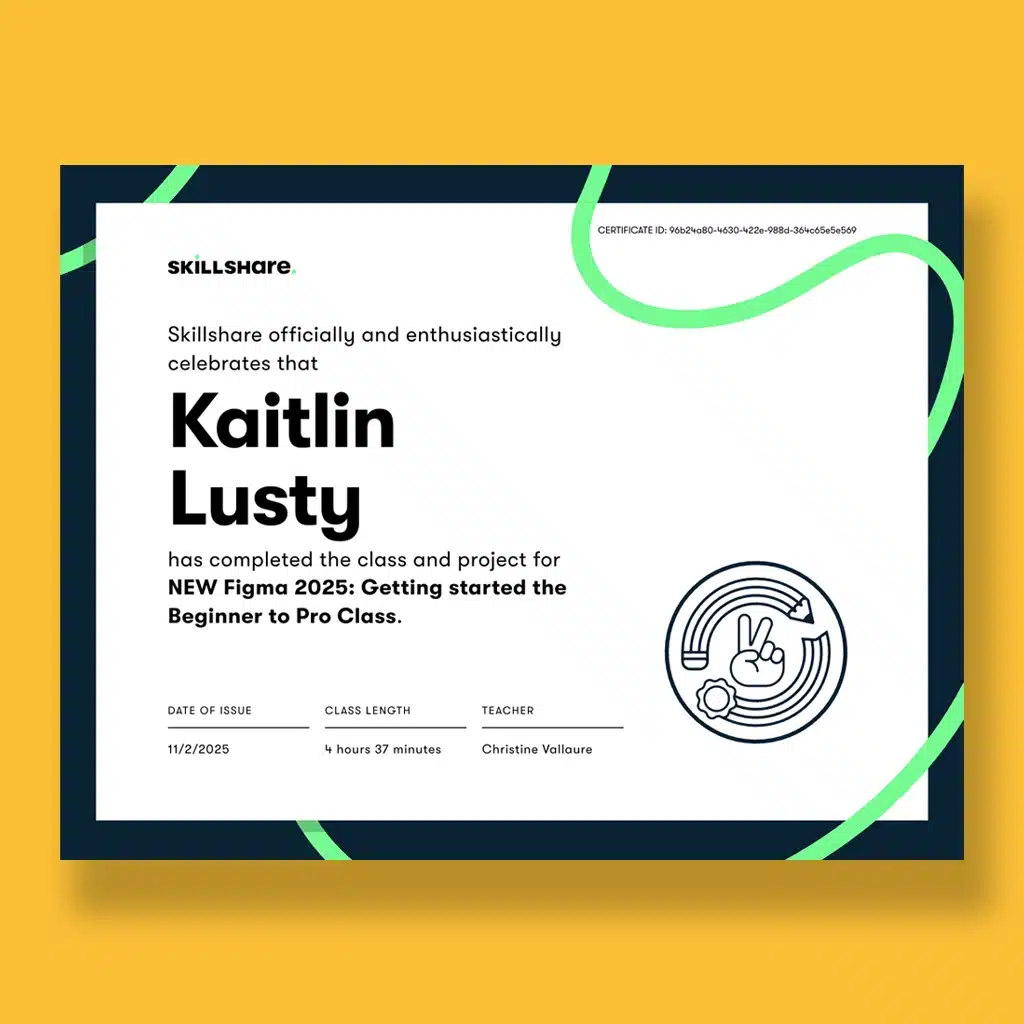
Even though I’ve used Figma before, I realized there were still many features I hadn’t fully explored. I decided to take the “Getting Started with Figma” course on Skillshare, a short beginner-to-pro class designed to strengthen your foundation and confidence in UI design.
My First Impressions
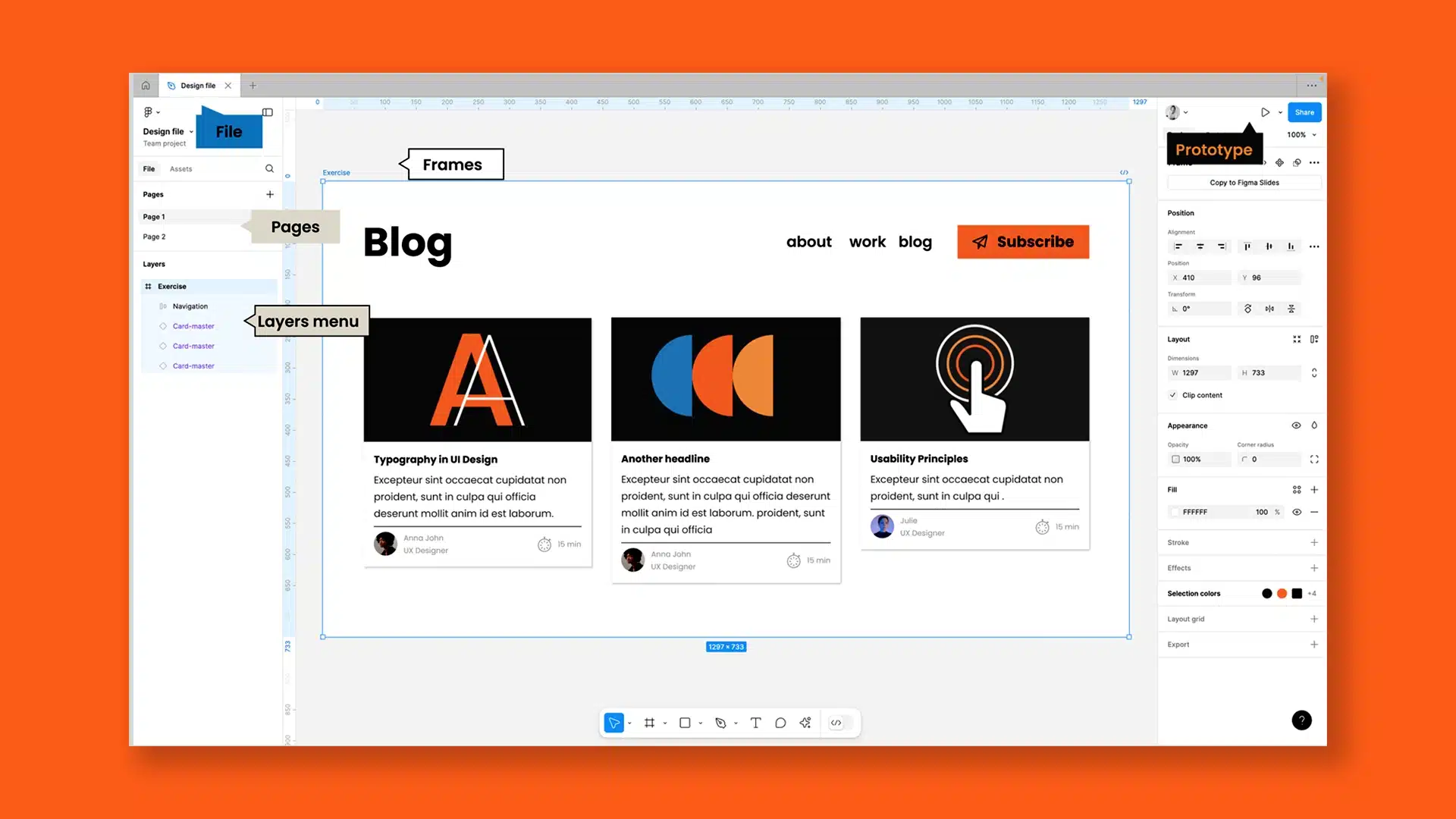
Figma feels like a hybrid of Photoshop, Illustrator, and InDesign. The platform has Photoshop’s layering structure, Illustrator’s freedom to move elements between artboards and around the canvas, and InDesign’s precision in layout and alignment.
Overall, it’s an incredibly organized and intuitive program. The basics come quickly, but once you start exploring components, variables, variants, and styles, you begin to see how powerful it really is.
Learning the Basics
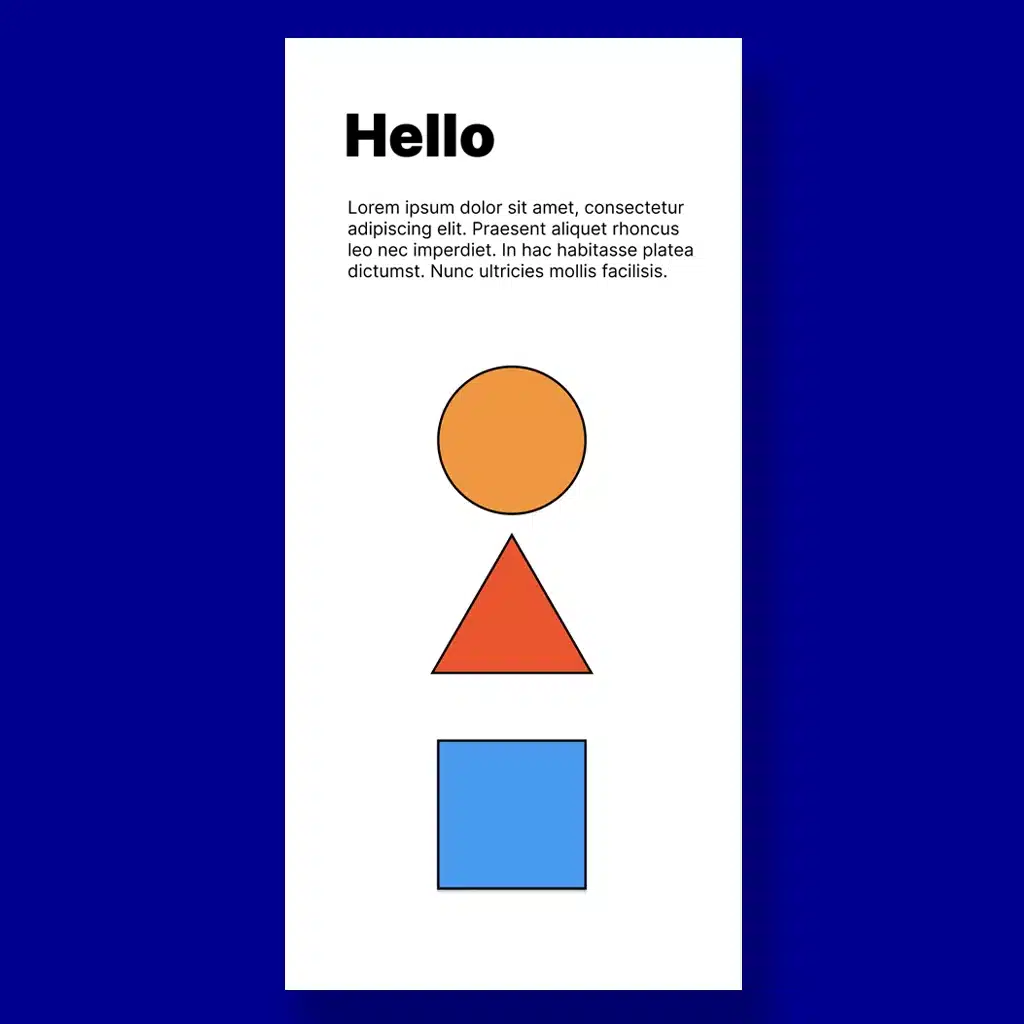
The course first walked through the basics of Figma and slowly expanded from there, covering everything from shapes, frames, and color styles to creating components and variants, using auto layout, and building responsive designs.
Learning the fundamentals step by step made everything click. Once I understood the building blocks, I was ready to start applying them to a real design project.
Building the Project
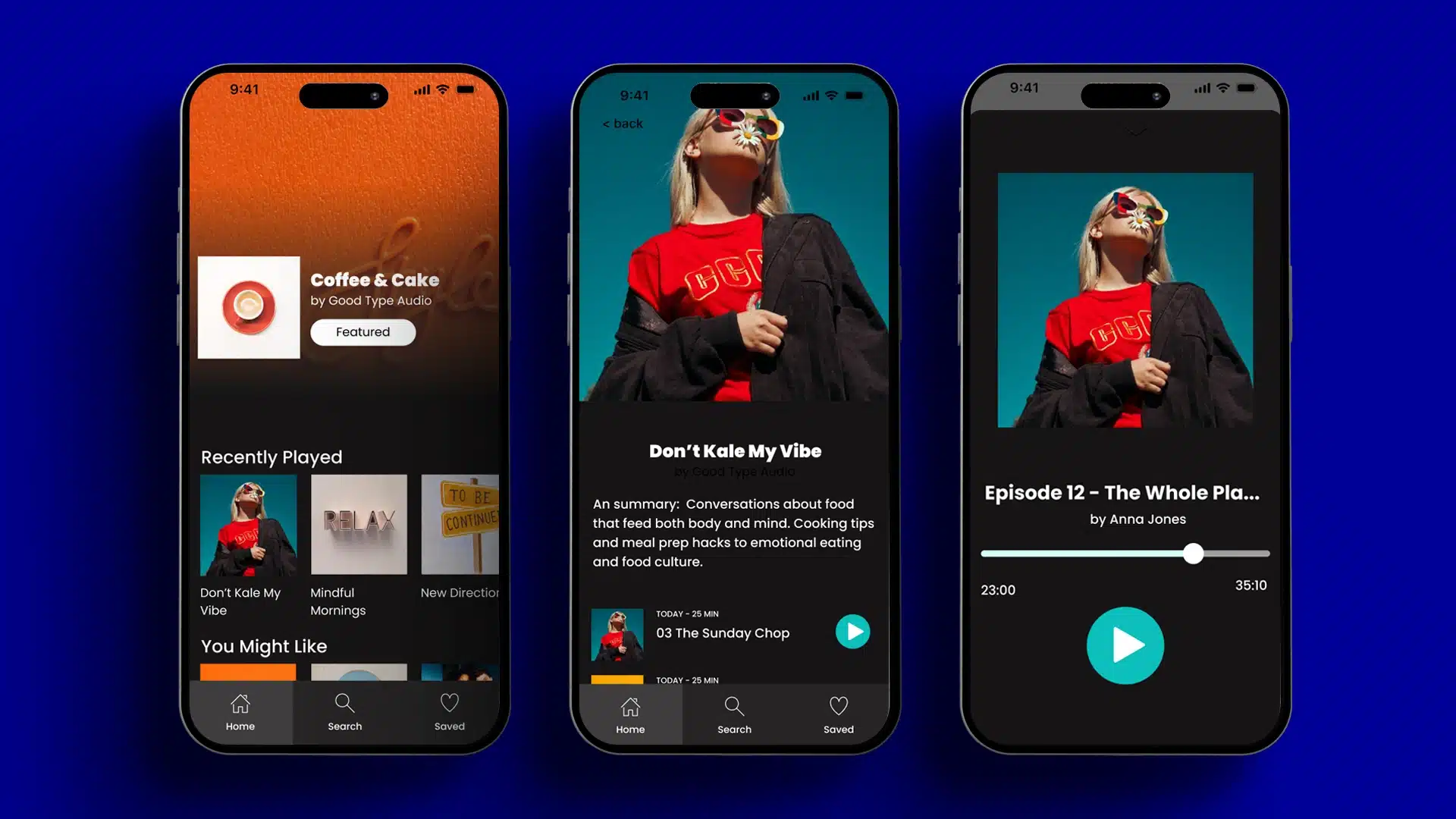
For the final project, I applied everything I learned by designing a podcast app interface. This included setting up components for consistency, using variables for color and spacing, and creating a responsive layout that adapts across screen sizes. It was rewarding to see everything come together into a cohesive and clickable prototype.
"Develop a passion for learning. If you do, you will never cease to grow."
Key Takeaways
Keep learning and growing – As a graphic designer, it’s important to continuously expand your knowledge. Exploring new tools and features keeps your skills fresh, your workflow efficient, and your work adaptable to different projects and teams.
Collaboration matters – Figma makes it easy for designers to work together in real time, whether you’re a graphic designer collaborating with other designers or contributing to a UI/UX team. By sharing files, giving feedback, and co-creating components, graphic designers can play a key role in building cohesive, user-focused interfaces.
Master the fundamentals of UI/UX design – Understanding components, variants, and prototyping is essential. Reusable components ensure consistency across designs, while prototyping turns static screens into interactive experiences with navigation and animations. Tools like auto layout and responsive design help your work adapt seamlessly to different screen sizes, making you a stronger collaborator with web and app teams.
Figma is more than just a design tool. It’s a collaborative, industry-standard platform that empowers designers to create smarter, more flexible, and interactive digital experiences while bridging the gap between graphic design and UI/UX.